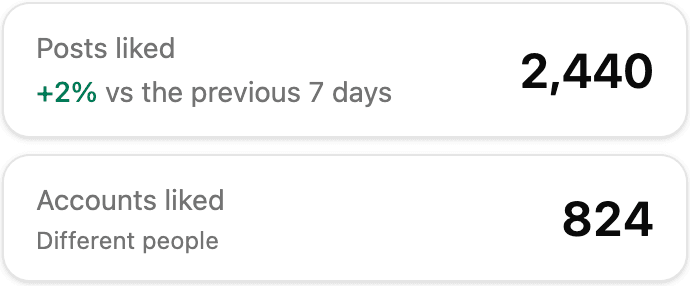
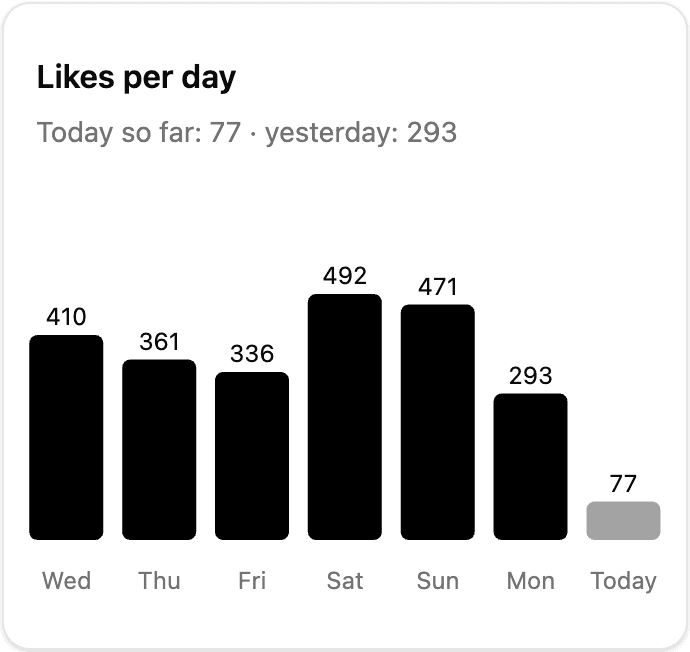
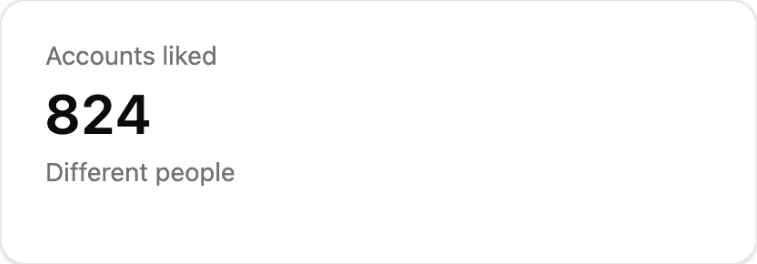
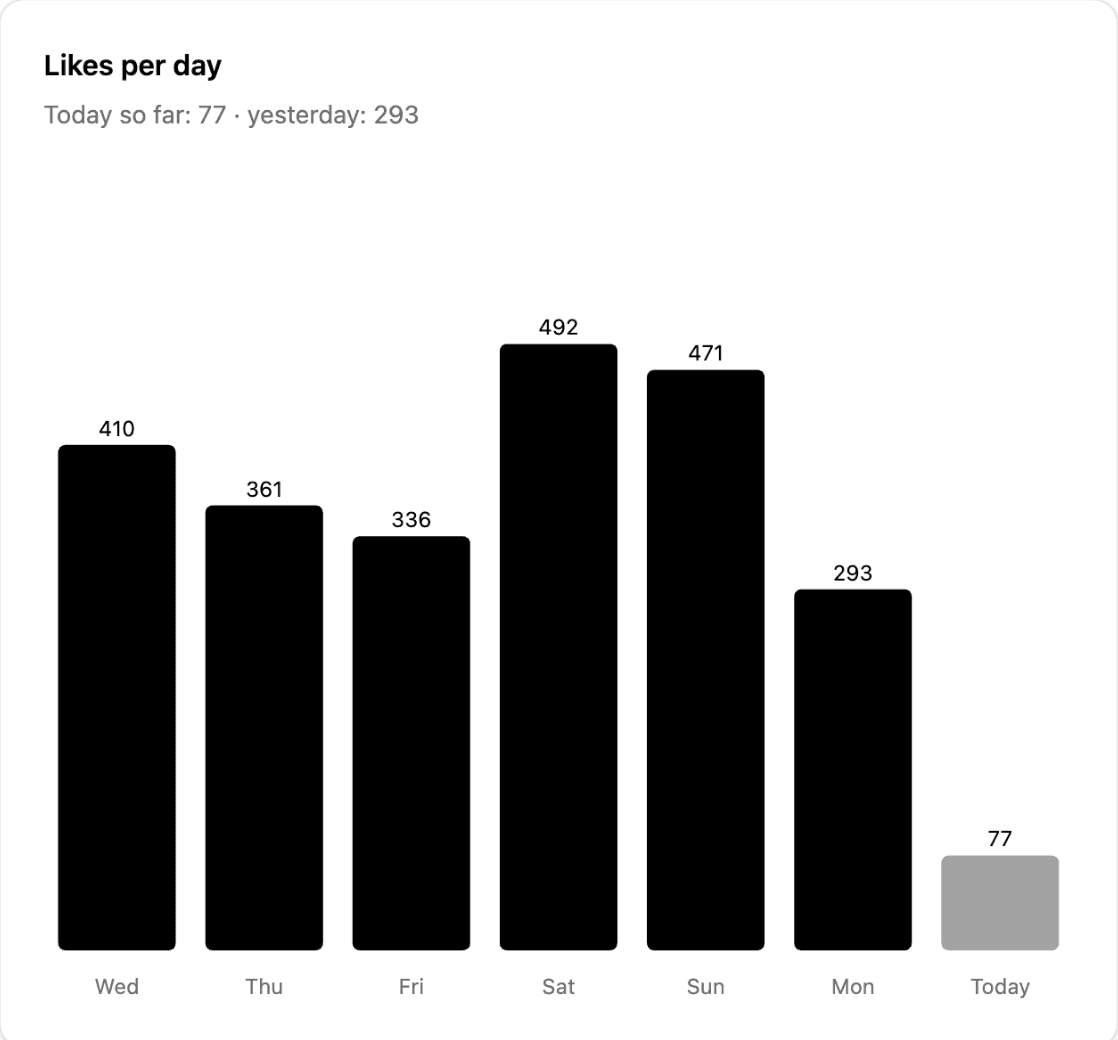
471,184 posts liked, 1,917 in the last 24 h
Get Seen on Instagram by Liking Posts
AutoGram likes posts from the people you want to reach, found through hashtags or the followers of accounts you follow, so they notice your profile.
Save ~10 hours every week
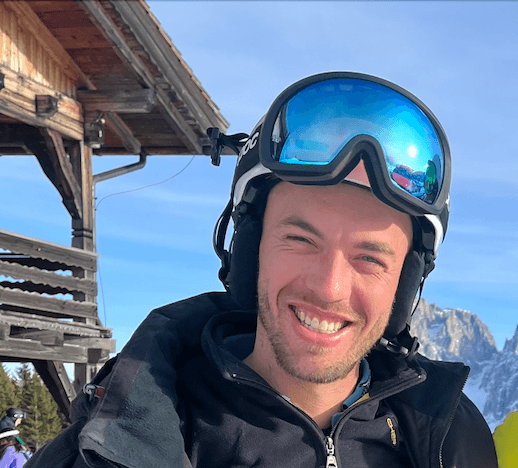 Built and run by me, Lucas Erlacher. The dashboard here is my own account.
The short version
- Price
- €3.99 / month1 account, up to 150 likes a day. Billed monthly. Both plans
- Does
- Likes posts. Nothing else.Never follows, unfollows, comments, posts or sends messages.
- Needs
- Your Instagram passwordSaved encrypted, only typed into Instagram's login. What happens to it
- Leaving
- Cancel yourself anytimeNo email and no minimum term. Your password stays saved until you remove the account.
Yes, it needs your Instagram password.
I'd hesitate too. Instagram has no official way for an app to like posts, so AutoGram logs in as you, on Instagram's own login page. Here is everything that happens to the password.
Lucas
- Stored
- Encrypted with AES-256Never shown in the app, including to you. The server holds the key, because it has to type the password. That’s trust in me, not maths.
- Used
- Only on Instagram’s login pageWhen you connect, and when Instagram ends the saved session.
- 2FA
- The code comes to youYou type it in. If Instagram signs AutoGram out later, it stops and emails you.
- Erased
- Remove the account, it’s goneThe password and the saved session go right away.
- Your side
- You can always cut accessLog the session out in Instagram and change your password.
Automating Instagram carries a risk of your account being banned or suspended. Read the full answer. More on why AutoGram needs your password.
Get startedSee it in action
One real like, from the post to the follow-back. Other people's names and photos are hidden.

- 01
Found through #golflife
They had liked a post tagged #golflife, one of the hashtags this account targets.
- 02
AutoGram liked two of their posts
On 2 October, as part of that day’s likes.
- 03
A few days later, they followed back
Most people won’t, but some do.
- 04
The dashboard shows it
Who followed back, and which hashtag found them, so you know which hashtags to keep.
How it works
Set it up once. It runs every day in the cloud.
- 01
Connect Instagram
Enter your Instagram username and password. What happens to the password
- 02
Choose who to reach
Pick hashtags, or the followers of accounts you follow. On Professional, also the followers of any account you name, plus AI suggestions.
- 03
AutoGram likes their posts
Every day, about as many as you choose, so they notice your profile. The first likes usually go out within a day.
- 04
Monitor your stats
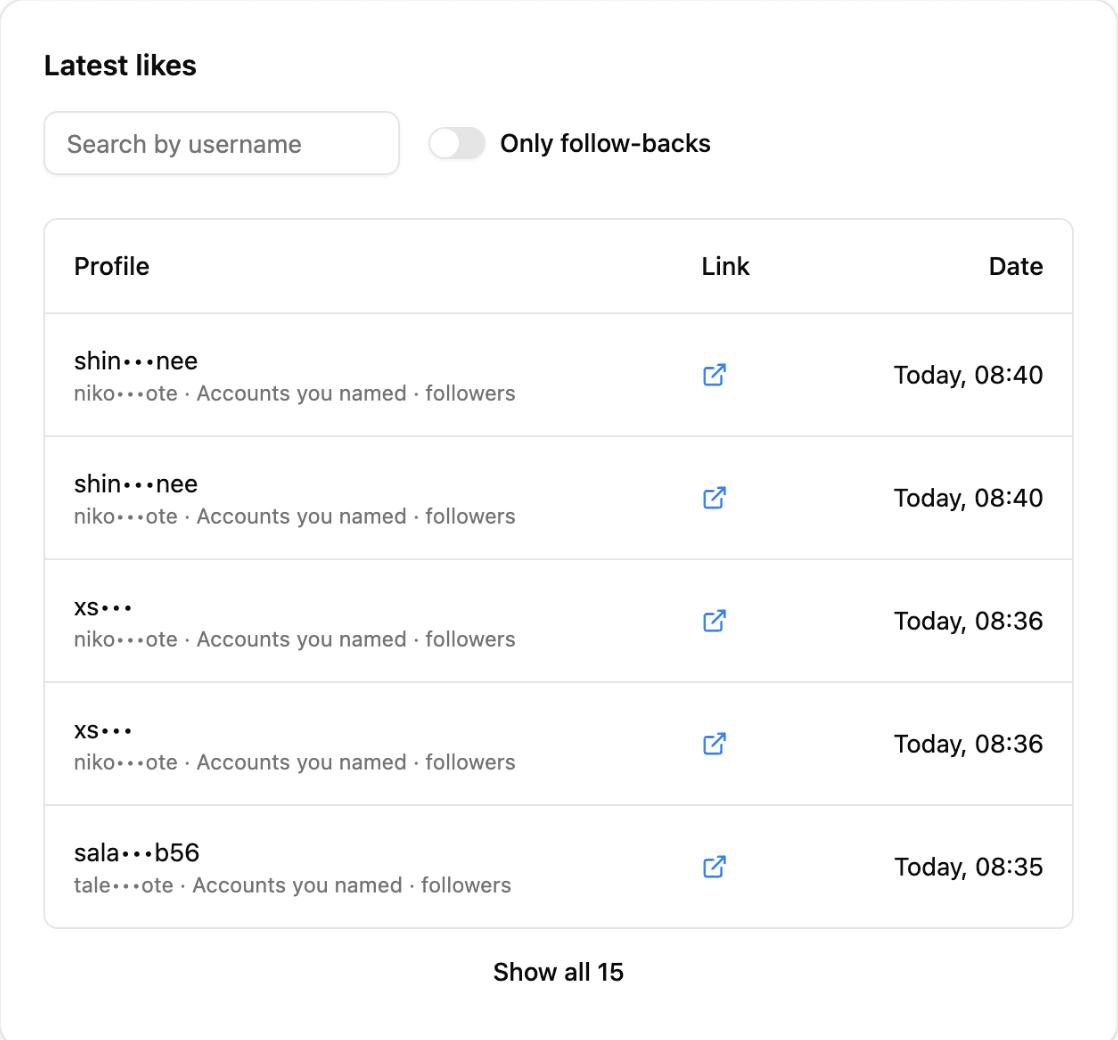
See the posts liked and who followed you back, with the hashtag or account that found each person, so you can keep the targets that work.
Read more about how the Instagram auto liker works, or see it for influencers and small businesses.
Pricing
- 1 Instagram account
- Up to 150 likes per day
- Reach people through hashtags
- Not included: Reach followers of accounts you name
- Reach followers of accounts you follow
- Not included: AI hashtag suggestions
- Not included: AI account suggestions
- Email support
Billed monthly. Cancel yourself anytime.
- Up to 5 Instagram accounts
- Up to 500 likes per day per account
- Reach people through hashtags
- Reach followers of accounts you name
- Reach followers of accounts you follow
- AI hashtag suggestions
- AI account suggestions
- Priority support
Billed monthly. Cancel yourself anytime.
Ciao, I'm Lucas
(the one who built AutoGram)
I was tired of manually liking posts every day on Instagram to get my profile seen by other accounts.
So I built AutoGram to save myself some time and invest it in creating content and building projects.
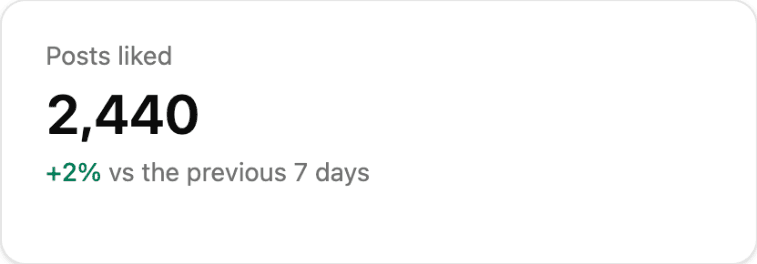
My own accounts, with their live numbers:
I grew up at Lago di Garda, Italy. Studied economics and then decided for a career switch at 30. While studying I became a ski and golf instructor. Now I live and work in Munich, Germany.
You can find other products I've built and follow my building journey on 𝕏
Frequently asked questions
Do I have to login with my Instagram account?
Yes. AutoGram signs in to your Instagram account to like posts for you, so it needs your Instagram username and password. It never posts, comments, follows, unfollows or sends messages.
How will my credentials be handled?
Your password is stored encrypted (AES-256). The app never shows it, and it is only ever typed into Instagram's own login page, when you connect your account and when Instagram ends the saved session.
The server holds the key, because it has to type the password. That's trust in me, not maths.
Removing your account in the dashboard settings erases the stored password and the saved Instagram session right away.
Does it work if my Instagram account has two-factor authentication?
Yes. When Instagram asks for a code during setup, AutoGram asks you for it. Type the code Instagram sent you by email, SMS or WhatsApp, or the one from your authenticator app, within 10 minutes. If Instagram asks you instead to approve the login on another device where you are signed in to Instagram, approve it there within 10 minutes.
If Instagram signs AutoGram out later, it does not log in again by itself, because only you get the code. It stops and emails you, and you connect again from your dashboard with a new code.
Does AutoGram follow, unfollow or comment for me?
No. AutoGram only likes posts. It never follows or unfollows anyone, never comments, never posts and never sends messages from your account.
What can I configure?
You can set the number of likes per day and choose how to target your audience. Targeting options include:
- Hashtags: people who post, comment on or like posts under hashtags you choose.
- Followers of accounts you follow: nothing to type, AutoGram uses the accounts you already follow.
- Followers of accounts you name: a list of accounts you pick (Professional plan).
Is it risky for my Instagram account?
AutoGram is a third-party tool that automates actions on Instagram. This means that there is a risk of your account being banned or suspended. However, I have taken measures to minimize this risk by implementing a delay between actions and by following Instagram's limitations.
I also recommend that you use AutoGram with caution and not to abuse the tool. You can stop AutoGram at any time and it will stop all actions immediately. If Instagram temporarily blocks your account from liking posts, AutoGram shows it on your dashboard and stops liking until the block is lifted.
Who is responsible if Instagram takes action against my account?
I will not be responsible for any actions taken by Instagram or any other third party against your account.
Is there a free trial?
No. AutoGram starts at €3.99 a month, billed monthly. There is no minimum term, so you can cancel yourself anytime.
How do I cancel?
Open Manage Account in the account menu and choose "Manage billing or cancel". You cancel on Stripe's billing page in a few clicks. There is no minimum term and nothing to email.
AutoGram keeps liking until the end of the month you already paid for, then stops by itself, and you are not charged again.
Cancelling does not erase your Instagram password. To erase it and the saved session, remove the account in its settings. Removing an account does not cancel your plan either, so if you are leaving, do both.
Why did I build AutoGram?
I have been working on this project in silent for the past 3 years. I had 6 friends using the tool with more features and aggressive strategies. They eventually all stopped using it due to Instagram's stricter policies.
Considering all the tears and sweat, I promised myself that I would ship it one day. A simpler and improved version that hopefully won't piss off Instagram and bring you some joy.
Ready to get seen?
Set up AutoGram once and let it like posts while you create content.
Get startedCancel anytime.
Free Instagram tools
No signup, no payment — just useful tools
See everyone you follow who doesn't follow you back, compared right in your browser.
View Instagram stories anonymously without leaving a trace. No login required.
Watch stories from accounts you follow without appearing in the viewer list — no view recorded.
Export your complete Instagram followers list to a CSV file in one click.